


Photo Booth Pose Sequence
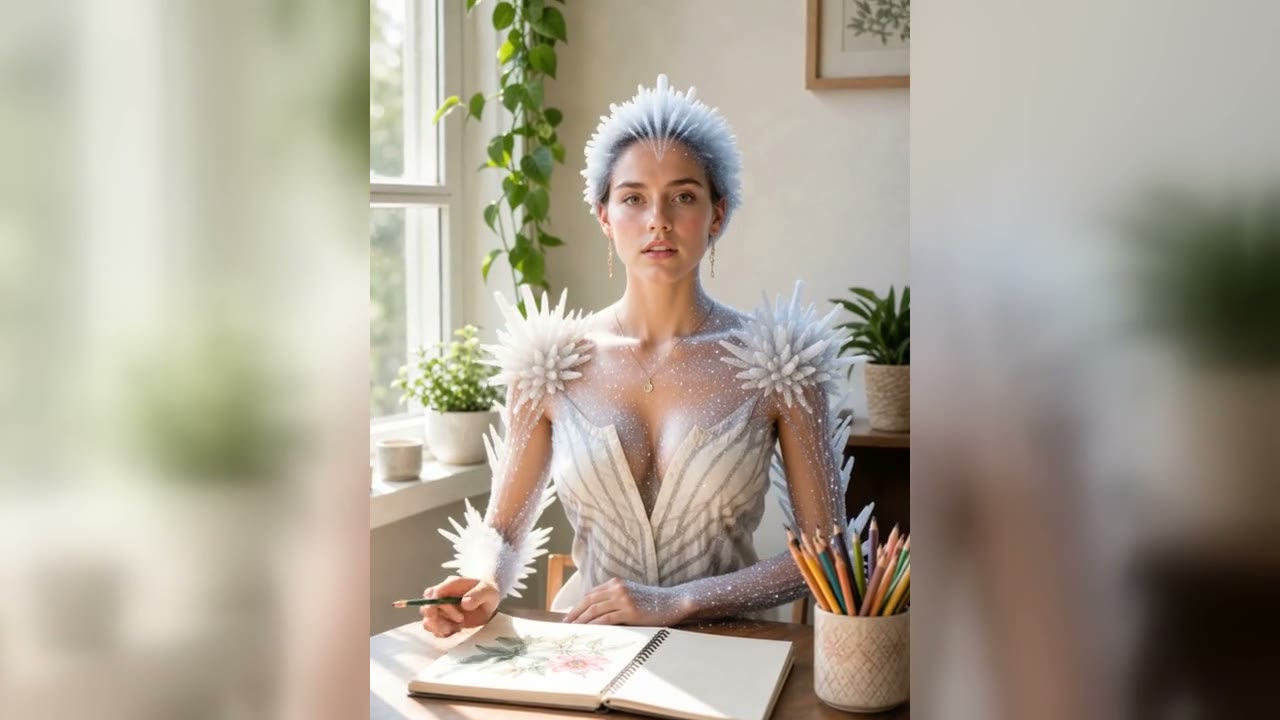
The prompt asks for four cute booth poses, gentle head turns, micro-expression changes, and a vertical strip composition inspired by Korean Life4Cuts photos.
Save up to 73% on plans
Video



Browse every other AI video model and effect published on this site in a continuous carousel.
Use the AI Life4Cuts generator to turn one uploaded photo into a cute Korean photo-booth style video. The workflow is intentionally simple: upload a clear portrait or couple photo, let the template preserve identity, and generate a short vertical clip with four playful poses, soft booth lighting, gentle motion, and social-ready pacing.
The template is tuned for cute photo-booth movement, identity preservation, and vertical social output.
The prompt asks for four cute booth poses, gentle head turns, micro-expression changes, and a vertical strip composition inspired by Korean Life4Cuts photos.
Because this is image-to-video, the uploaded portrait anchors the face, outfit, and overall style before the model adds motion.
The default 9:16 aspect ratio fits TikTok, Reels, Shorts, and story posts. You can switch aspect ratio or duration before generating.
Use clear photos and light motion prompts for cleaner booth-style videos.
Upload a single portrait and generate a four-pose photo-booth video with small hand gestures, gentle head turns, and a cute smile. This works well for profile refreshes, social posts, and creator updates.
Make Solo Booth Video
A clear two-person photo can become a cute Life4Cuts-style clip with small synchronized pose changes. Keep the source image bright and avoid face overlap for better identity preservation.
Create Couple Booth
Use the template for stylized fan edits, outfit reveals, or cute vertical loops. The best prompts keep motion simple and ask for soft studio lighting, clean composition, and sticker-like charm.
Generate Fan Edit
How to get better Korean photo booth style AI videos.
It is an image-to-video template that turns a portrait or couple photo into a short Korean photo-booth style clip with cute poses and vertical strip energy.
No. The page is set up as a one-click template. Upload a photo and the preset handles the Life4Cuts style, pose sequence, and soft studio lighting.
Use a bright portrait, half-body photo, couple photo, or friend photo where faces are visible and not heavily covered. Avoid dark, blurry, or very crowded images.
The image-to-video workflow and prompt are built for identity preservation, but AI video can still drift. Clear source photos usually produce more stable faces.
Yes. The default settings use a vertical 9:16 format and short duration that fit social platforms.
Upload a clear portrait or couple photo and generate a cute Korean photo-booth video in a vertical format.