


Photo-to-Figure Identity Lock
The prompt asks the model to keep the face shape, outfit cues, colors, and recognizable accessories from the uploaded photo, so the result still feels like the original subject.
Save up to 73% on plans
Image

Browse every other AI image model and effect published on this site in a continuous carousel.
Use this AI action figure generator when you want the fast collectible-toy look: one uploaded photo, a polished figure, arranged accessories, blister packaging, and product-shot lighting. The page is built for creators making social posts, profile reveals, gift mockups, brand mascots, creator merch concepts, or character collectibles without manually writing packaging prompts from scratch.
The template focuses on identity preservation and a believable boxed-toy finish instead of a generic cartoon filter.
The prompt asks the model to keep the face shape, outfit cues, colors, and recognizable accessories from the uploaded photo, so the result still feels like the original subject.
The generated image includes blister plastic, a toy box layout, accessory placement, glossy highlights, and a clean product background for the action figure look people expect.
For this keyword intent, the main flow is simple: upload a photo and generate. The hidden preset handles the packaging language while still allowing the backend to use the real image-to-image model.
Action figure renders work well when the source photo has a clear subject and visible outfit details.
Turn a portrait or full-body creator photo into a collectible-style product image for launch teasers, channel updates, or playful social posts. Use photos with clean lighting and visible clothing, then let the action figure generator build the toy box and accessories around the subject.
Make a Creator Figure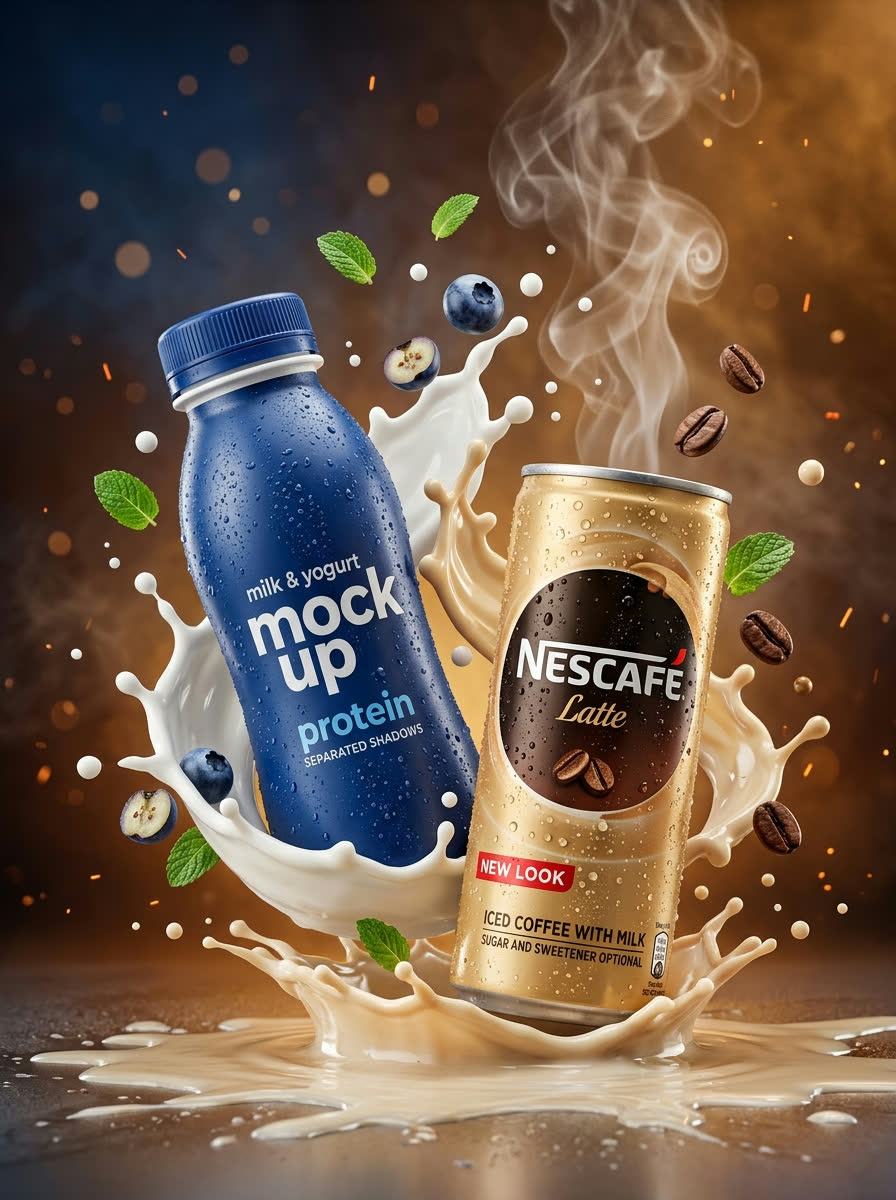
Upload a mascot, illustration, costume photo, or character reference to explore how it could look as a boxed toy. The generator keeps the figure readable while adding product-photography polish for internal pitches and early merch discussions.
Create Mascot Figure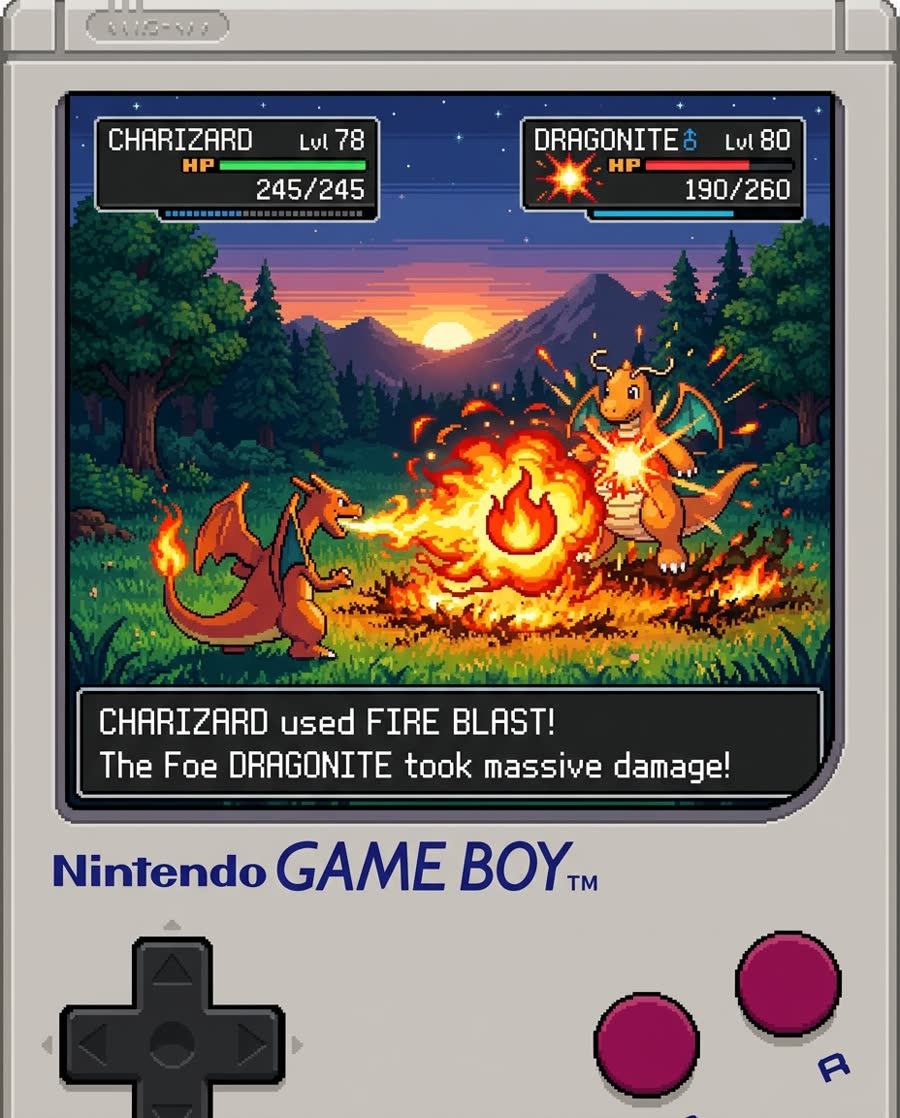
A clear selfie, pet photo, or couple photo can become a fun action figure mockup. The template avoids overcomplicated settings and gives the model direct instructions for a polished miniature, accessories, and clean packaging.
Generate Gift Mockup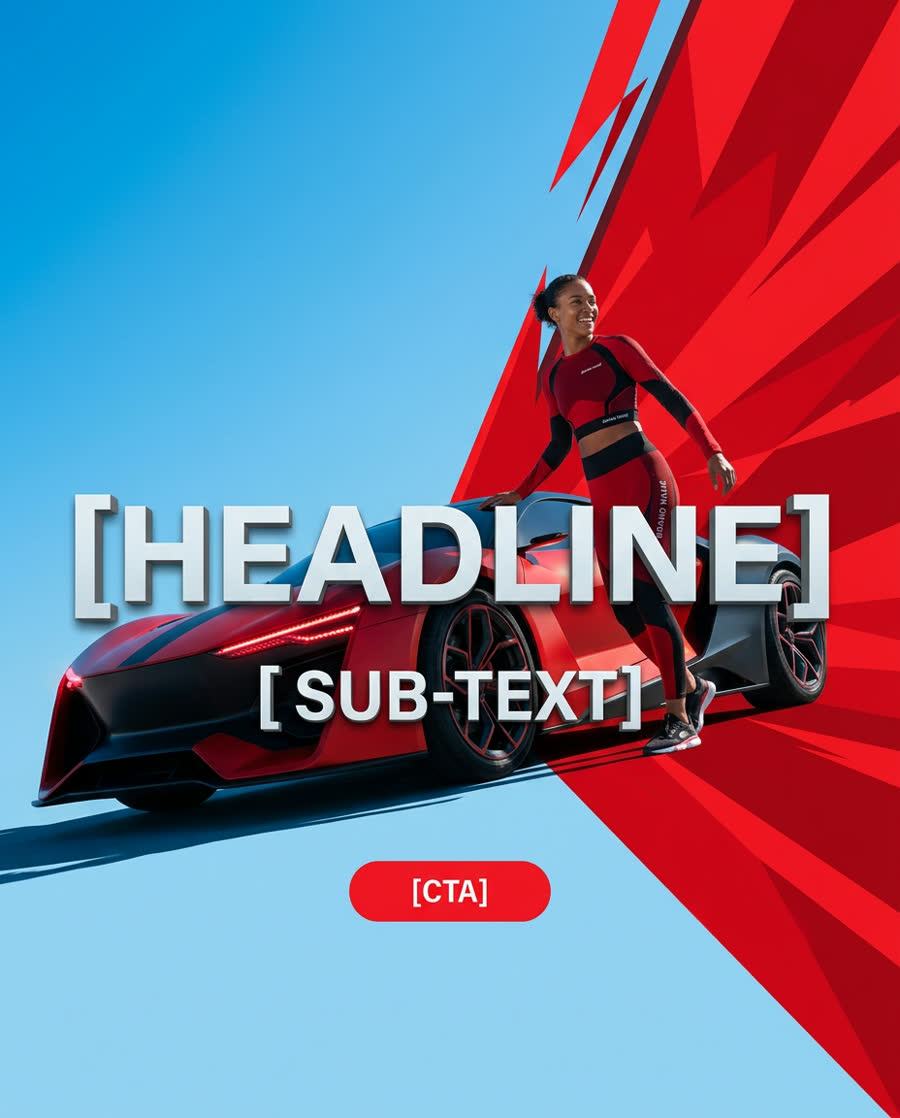
Quick answers for using a photo-to-action-figure workflow.
No. This page is configured as a one-click image-to-image template. Upload a clear photo and the preset adds the action figure packaging instructions for you.
Use a sharp portrait, half-body shot, full-body shot, pet photo, or character image with visible details. Avoid tiny subjects, heavy blur, strong face occlusion, or screenshots with lots of text.
Yes. The template explicitly requests a boxed toy package, blister plastic, accessory layout, glossy highlights, and a clean commercial product-shot finish.
The prompt is designed to preserve identity, but AI edits can still drift. Use a clear front-facing photo and regenerate if the face, outfit, or character details need a tighter match.
Yes. Pets, mascots, stylized characters, costumes, and creator photos all fit the action figure format when the source image has enough visual detail.
Upload one reference photo and generate a collectible-style render ready for social posts, mood boards, or merch exploration.