

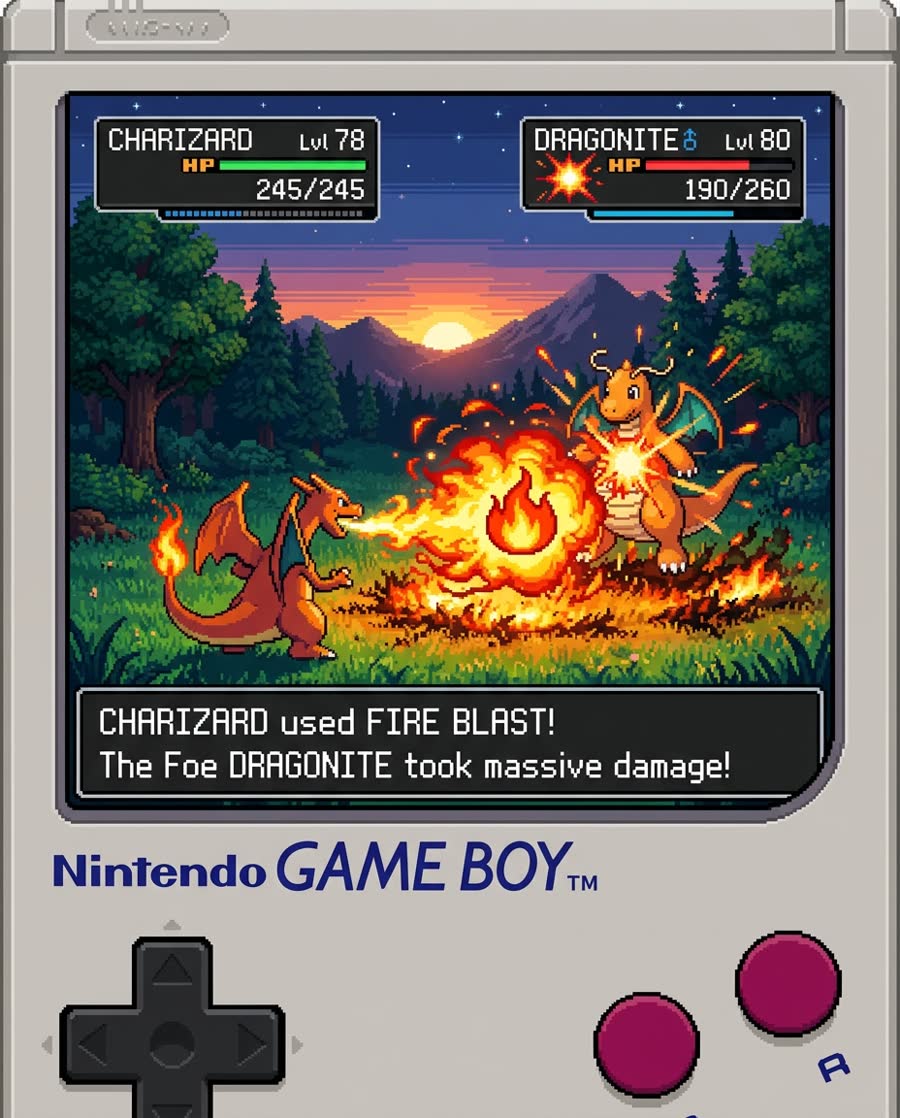
Barrel Distortion Prompting
The preset asks for wide-angle barrel distortion, curved edges, deep perspective, and a confident lens look, so the output reads as a fisheye shot rather than a normal video.
Save up to 73% on plans
Video
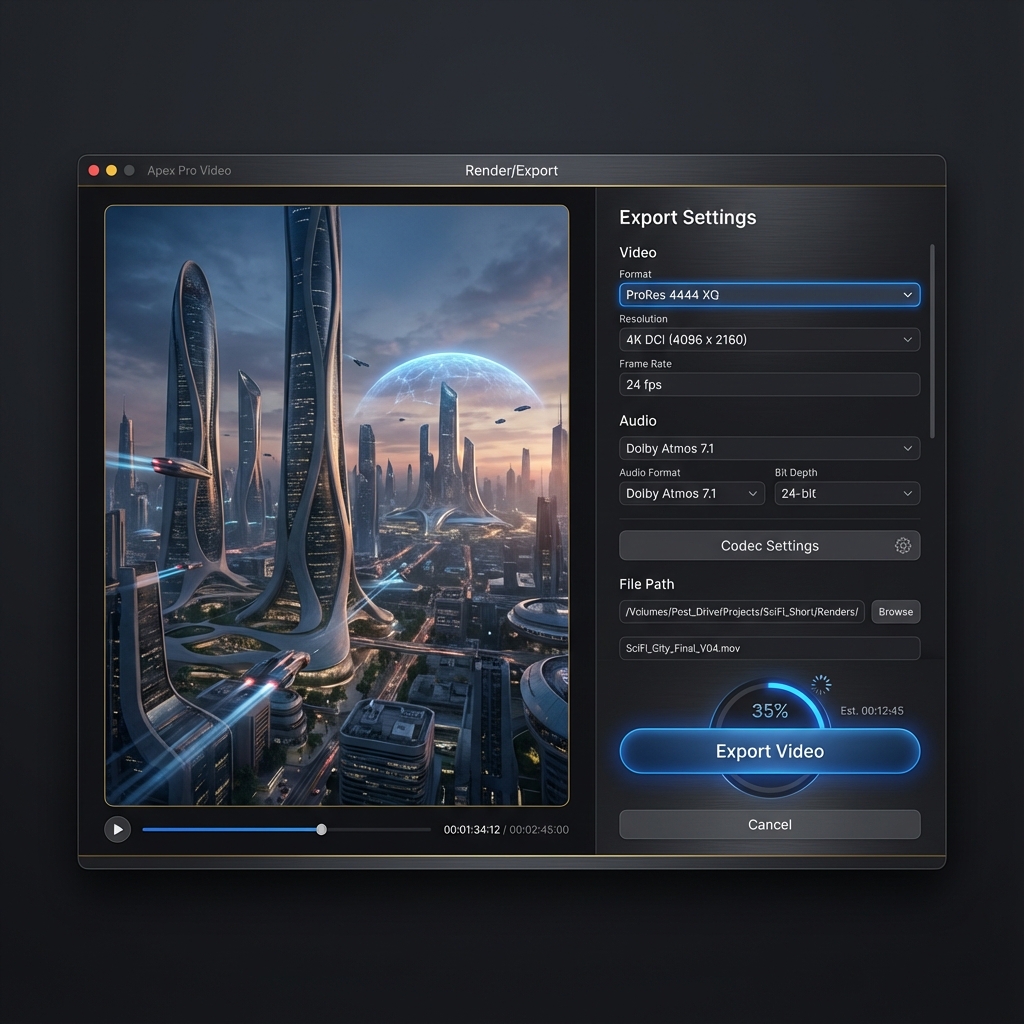


Browse every other AI video model and effect published on this site in a continuous carousel.
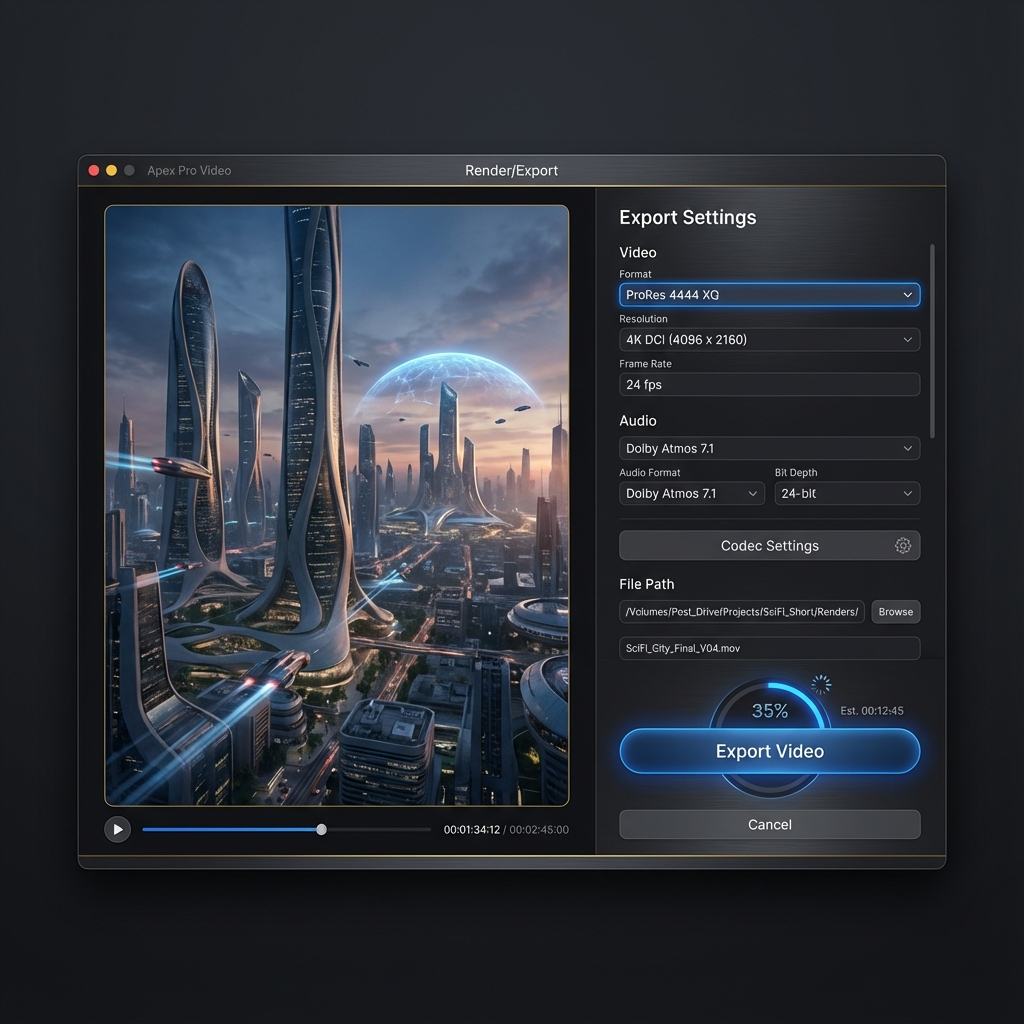
Use the AI fisheye effect generator to create ultra-wide videos with barrel distortion, close foreground energy, curved edges, and action-camera movement. It is useful for skate edits, street fashion, music clips, travel moments, product shots, and any social video that needs a more physical camera feel than a flat AI render.
Good fisheye video is about perspective, camera distance, subject readability, and controlled distortion.
The preset asks for wide-angle barrel distortion, curved edges, deep perspective, and a confident lens look, so the output reads as a fisheye shot rather than a normal video.
Use text-to-video for fast concept generation, or switch to image-to-video when you want a specific person, product, place, or reference image to drive the composition.
Generate vertical 9:16 fisheye clips by default, then switch to square or landscape when you need thumbnail loops, ads, or website hero media.
Choose scenes where the lens effect has a reason to exist: close action, tight spaces, or foreground objects.
Prompt for a subject moving toward camera, a close board or wheel in the foreground, and curved plaza lines in the background. This gives the fisheye effect a strong visual anchor and a familiar action-sports style.
Make Action Fisheye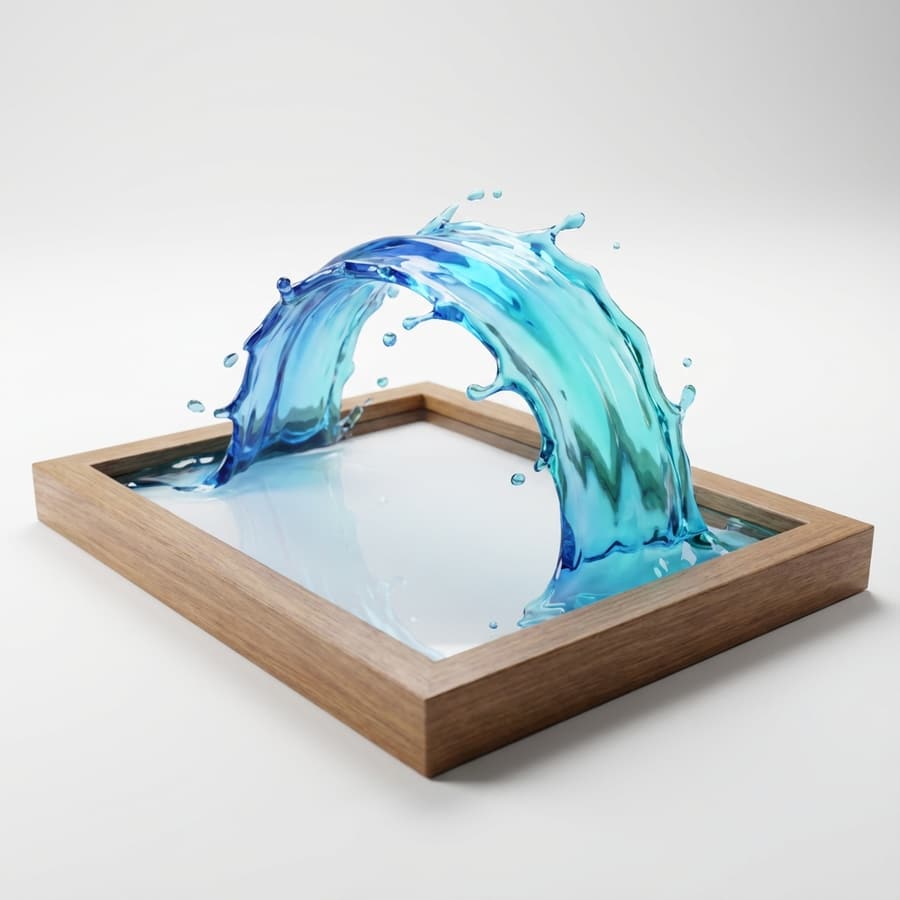
Use fisheye for close handheld energy, confident posing, and exaggerated perspective. Keep the subject readable by asking for stable motion and avoiding overly warped faces unless distortion is the whole creative point.
Create Fashion Lens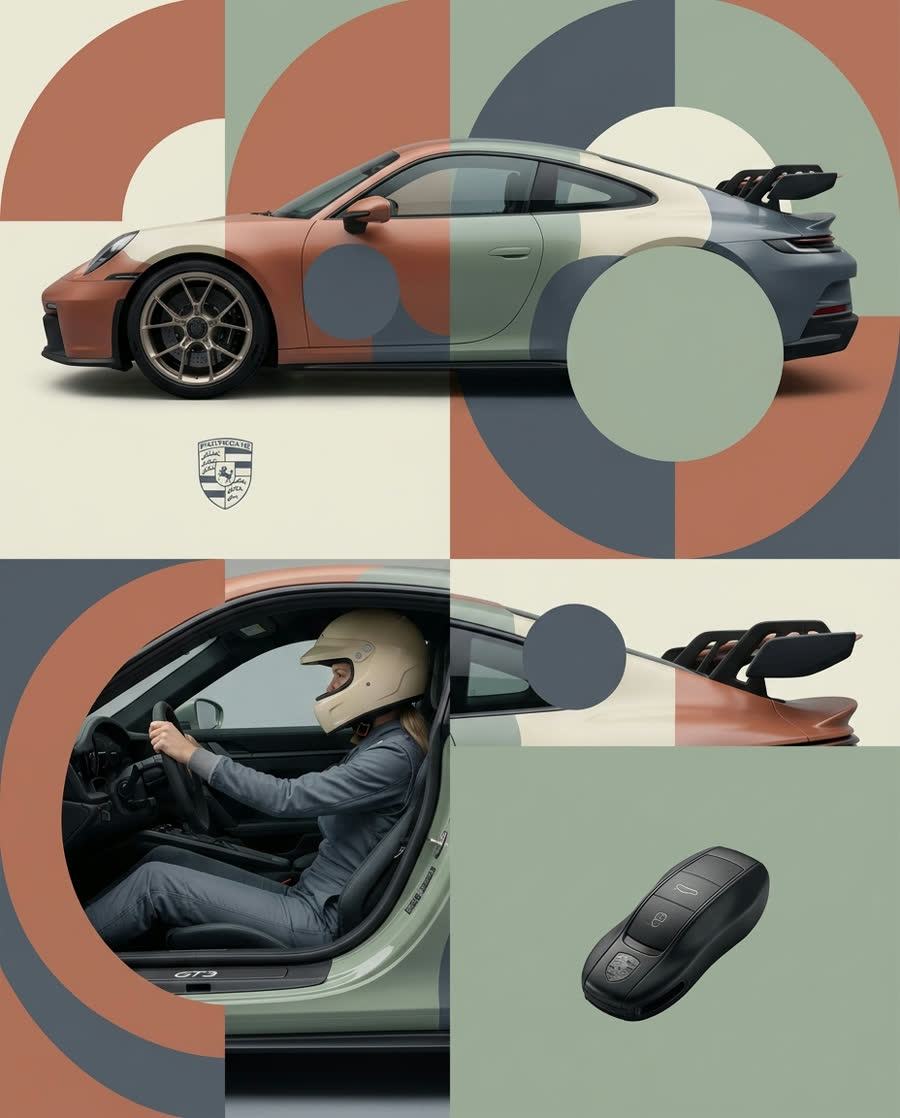
Fisheye can make small rooms, desks, packaging, and product setups feel more immersive. Use slower motion, clear lighting, and a controlled camera path so the wide lens feels intentional.
Try Product Fisheye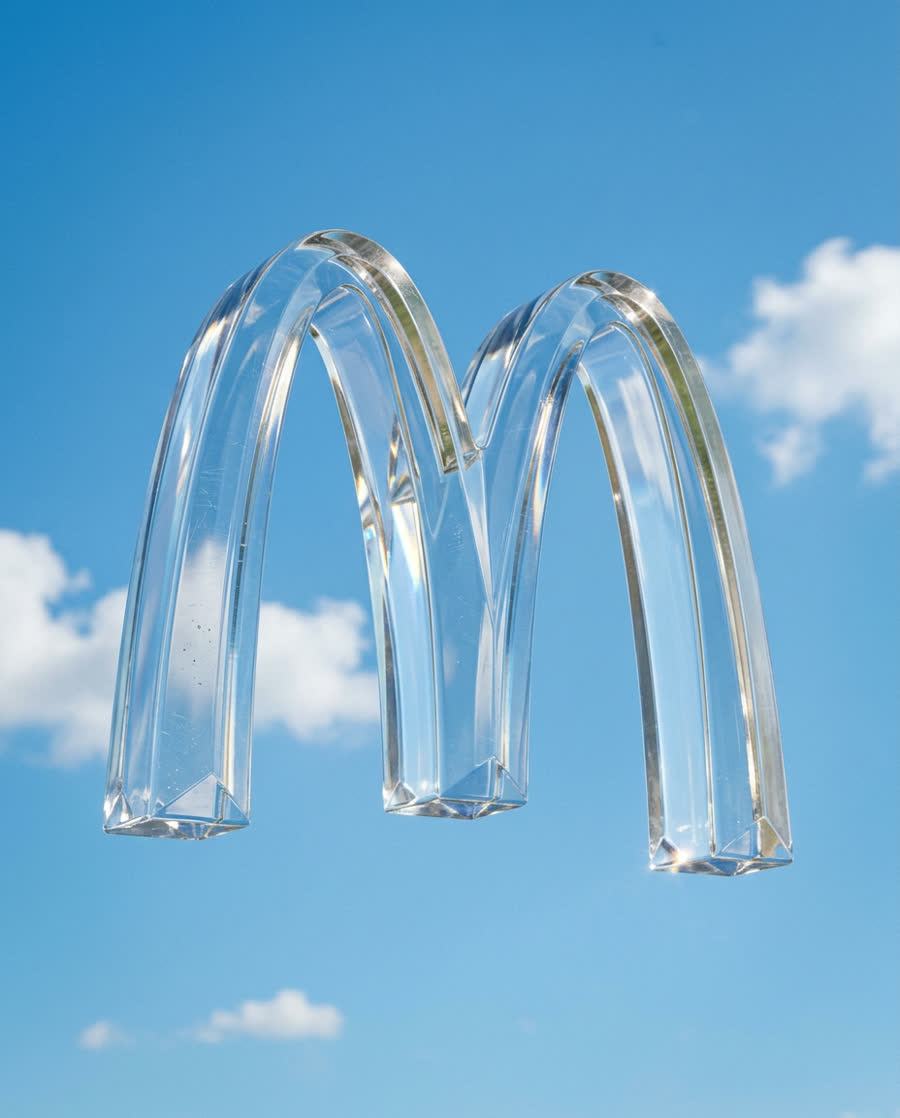
Practical guidance for getting a convincing fisheye look.
Yes. The default mode is text-to-video, so you can describe the subject, camera distance, foreground, and lens distortion directly.
Yes. Switch the generator to image-to-video when you want a specific photo, person, product, or scene to receive the fisheye motion effect.
Mention wide-angle barrel distortion, close foreground objects, curved edges, stable camera movement, and a clear subject. Avoid asking for too many actions in one short clip.
Fisheye can exaggerate faces if the subject is very close to the camera. The preset asks the model to keep the subject readable and avoid warped faces unless you request a stronger distortion.
Use 9:16 for TikTok, Shorts, and Reels; 16:9 for YouTube or website hero media; and 1:1 for feed posts or thumbnails.
Describe a scene or upload a reference image, then generate a short fisheye clip with controlled lens distortion.