


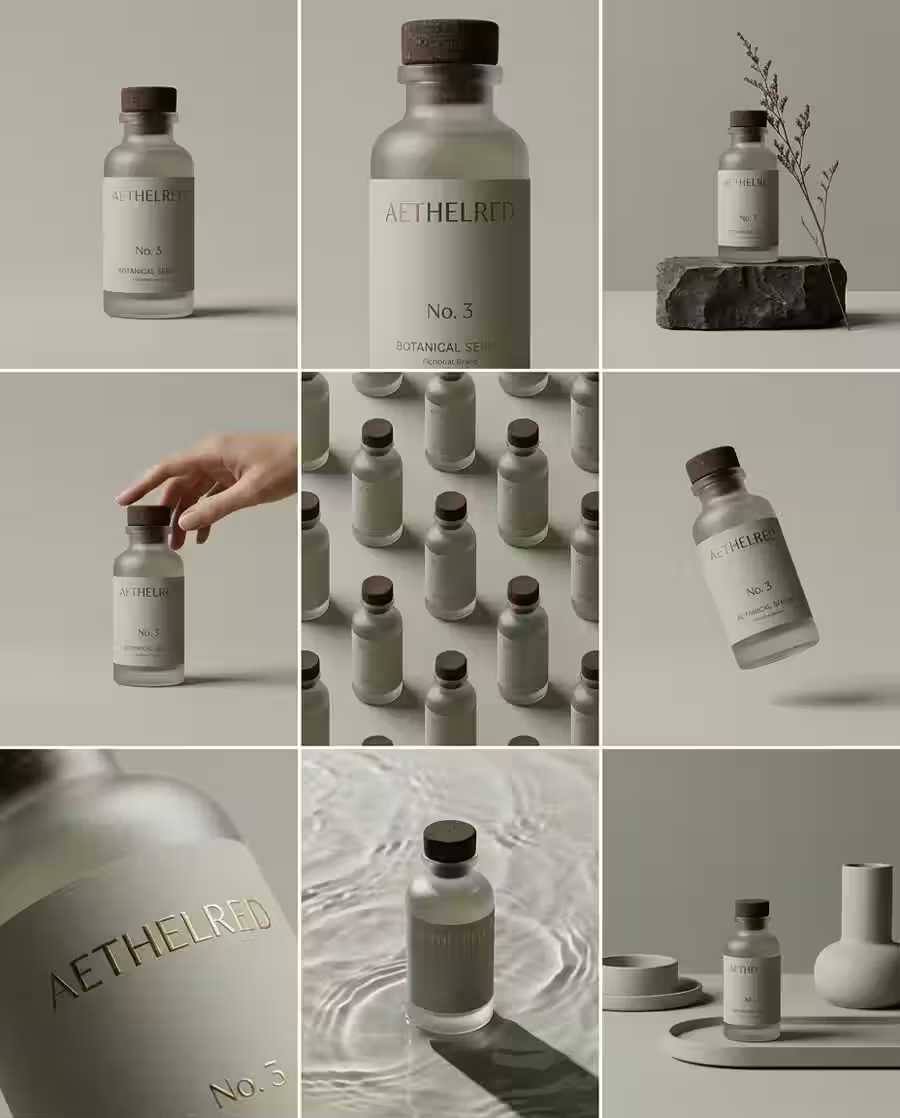
Product Storyboard
Product storyboard visual concept with polished composition, clean lighting, and production-ready AI image detail.
Save up to 73% on plans
Start from practical image effects and video workflows without digging through the full model list.
Start from proven image directions, copy the prompt, or open the generator with the same structure.
Product storyboard visual concept with polished composition, clean lighting, and production-ready AI image detail.
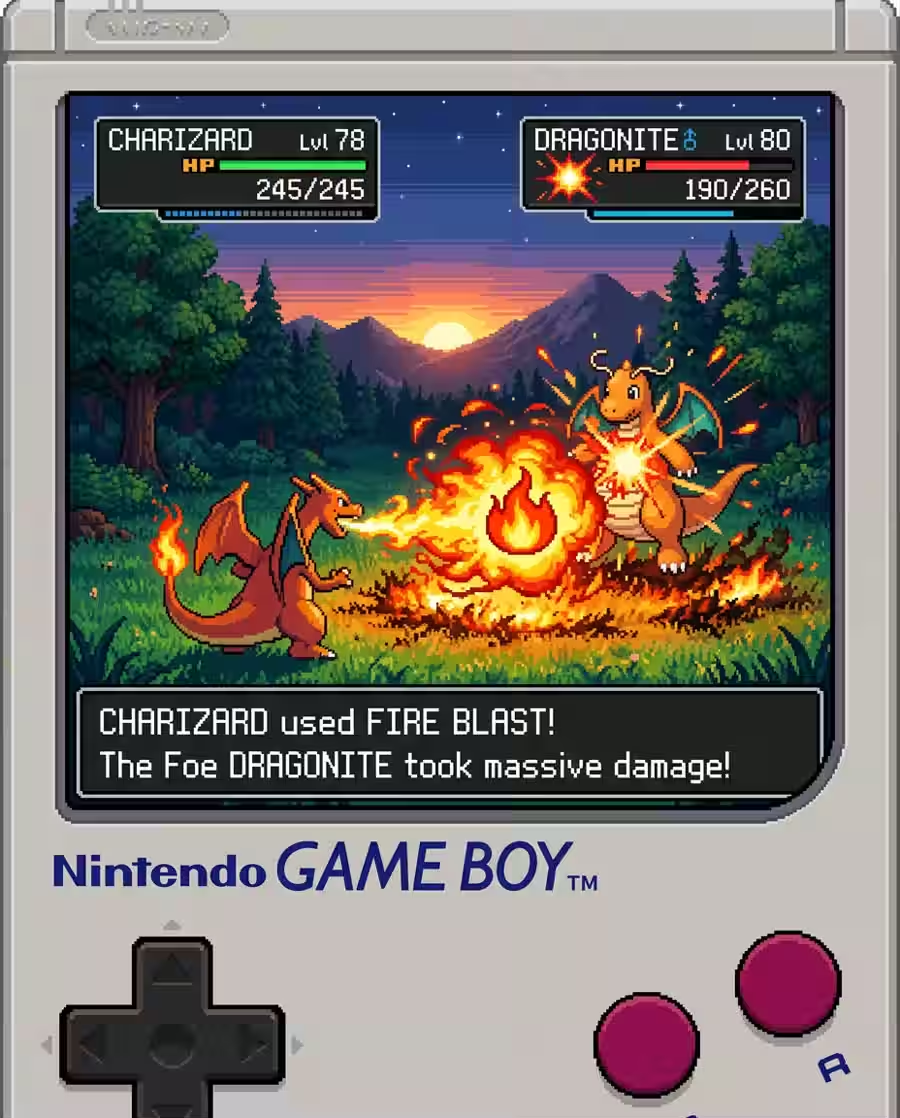
Game scene visual concept with polished composition, clean lighting, and production-ready AI image detail.
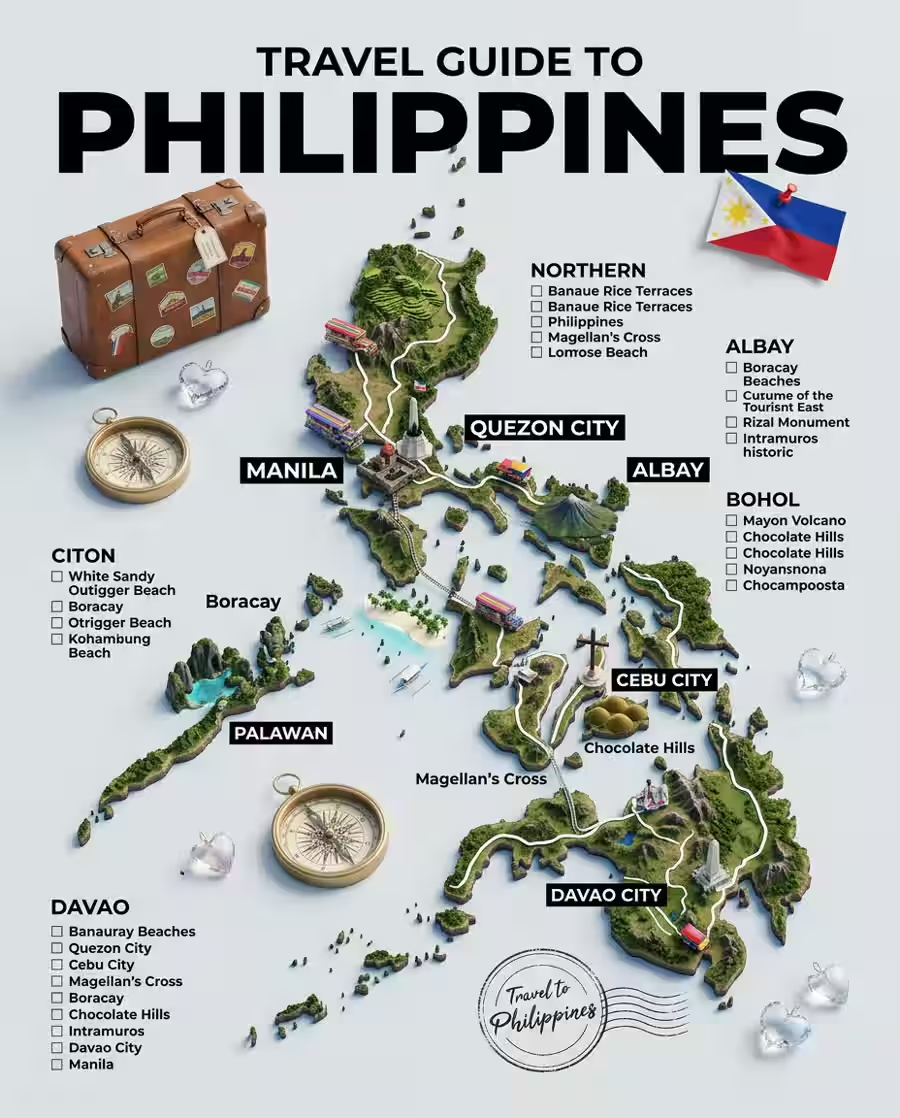
Travel poster visual concept with polished composition, clean lighting, and production-ready AI image detail.
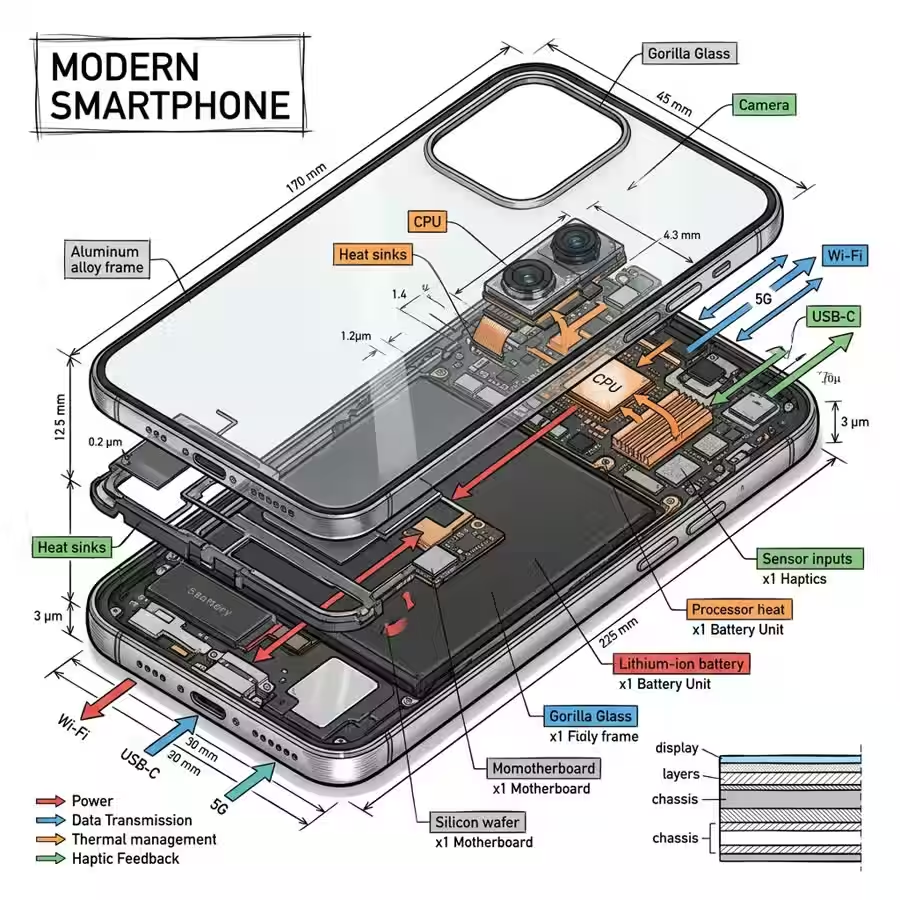
Tech infographic visual concept with polished composition, clean lighting, and production-ready AI image detail.
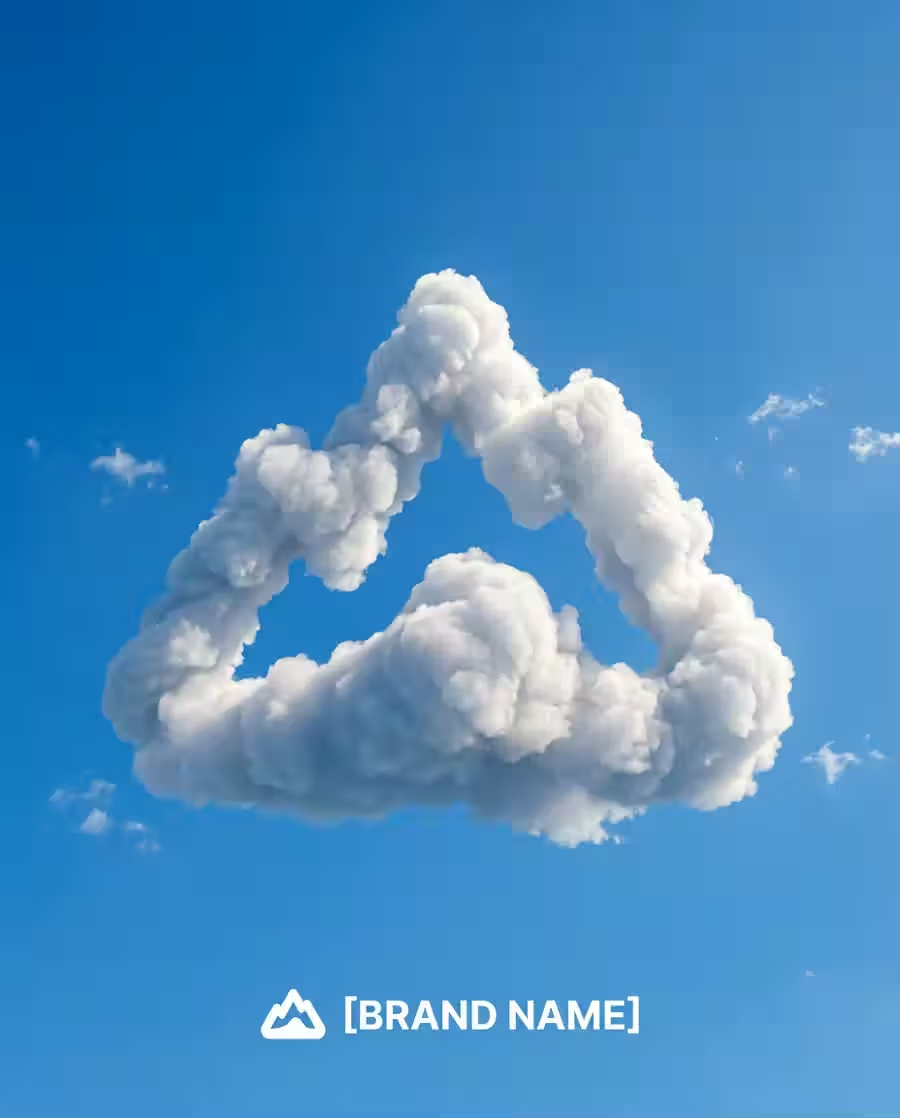
Logo cloud visual concept with polished composition, clean lighting, and production-ready AI image detail.
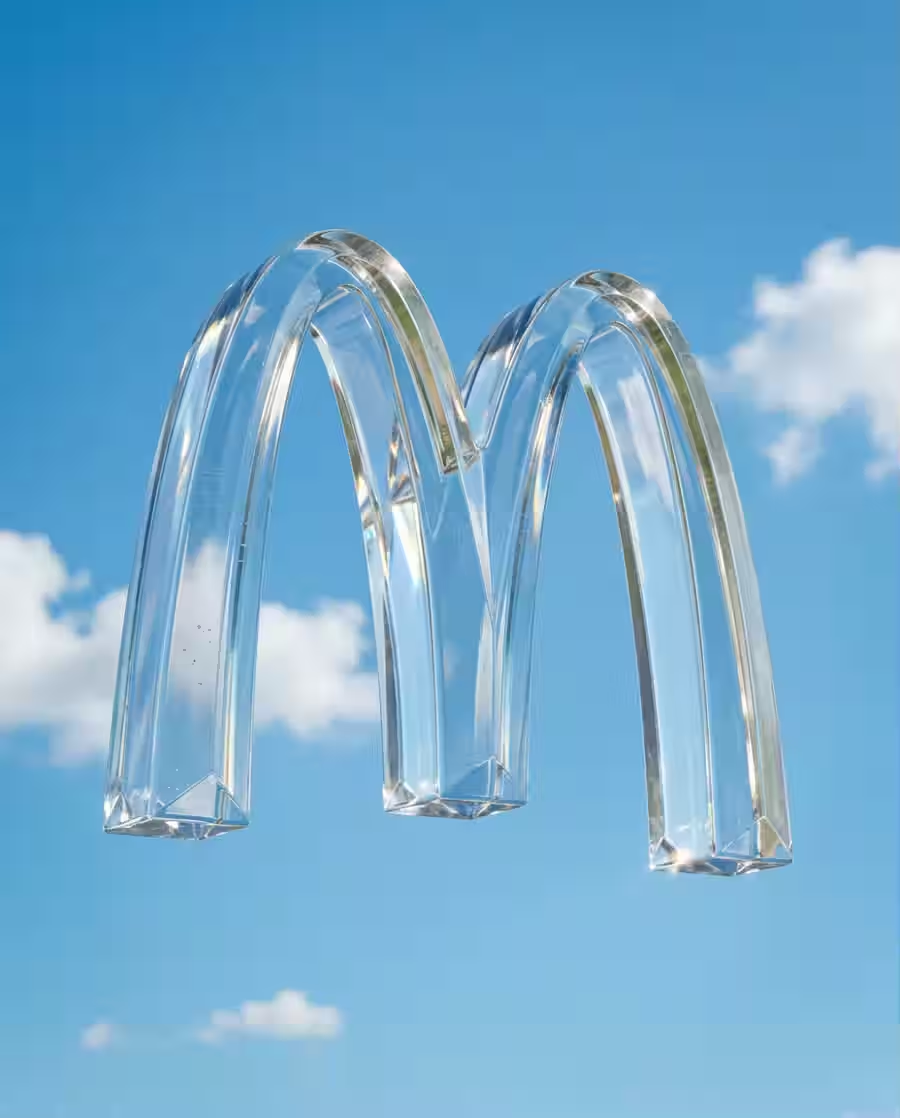
Product CGI visual concept with polished composition, clean lighting, and production-ready AI image detail.
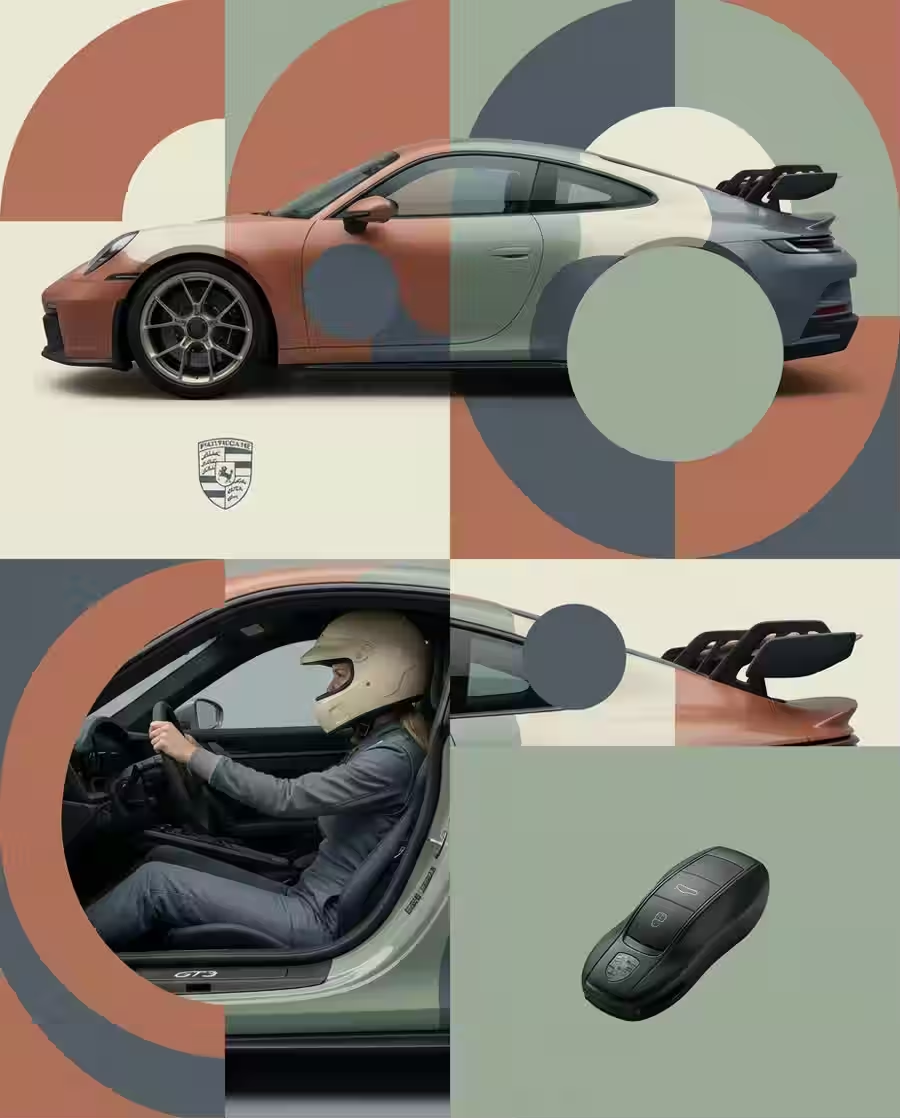
Editorial fashion visual concept with polished composition, clean lighting, and production-ready AI image detail.
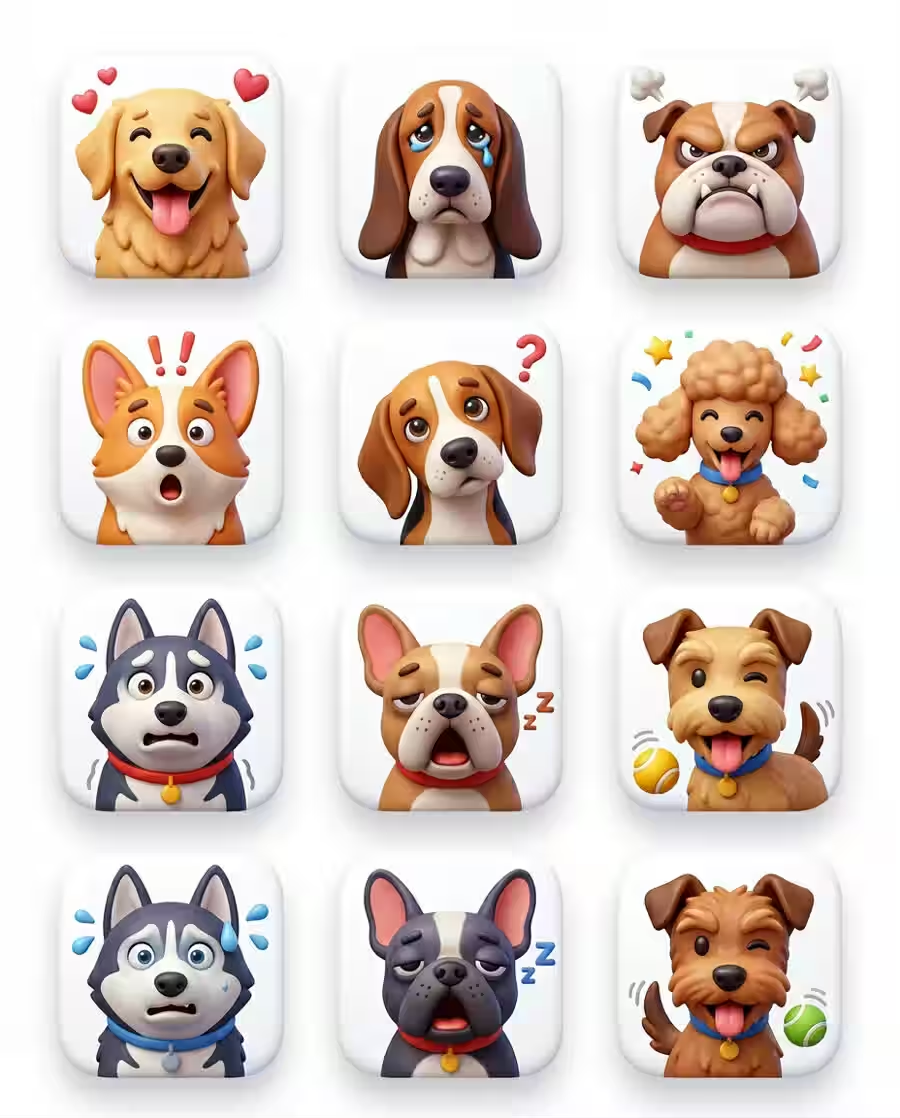
Icon pack visual concept with polished composition, clean lighting, and production-ready AI image detail.
The generator, prompt gallery, model pages, and saved tasks stay connected in one creation flow.
Start with a generated or uploaded image and shape it into a short visual concept for launches, ads, social posts, and client previews.
Try Image to VideoWrite the scene, choose the model, and create polished product frames, posters, icons, storyboards, and editorial images in one workflow.
Generate ImagesBrowse visual recipes, open the prompt details, then reuse the prompt and reference settings directly in the generator.
Explore Gallery
Use dedicated model pages for discovery, then launch into the same creation surface when you are ready to produce.
View ModelsA fast visual workspace for creators, marketers, sellers, and teams that need more polished image and video variations.
Produce repeatable short-form visuals from prompt templates and reusable image styles.
Build campaign concepts, launch visuals, and product mockups without a traditional studio cycle.
Create fast variants for hooks, thumbnails, product angles, and paid-social experiments.
Turn rough directions into style boards, icons, posters, diagrams, and reference frames.
Refresh storefront visuals and product moments with fast image and video generation.
Start from guided templates, reference images, and clear generation controls.
Build more prompt variations, compare models, and keep generation history connected.
Generated prompts
Template styles
Image and video models
Task history
Fast iteration, reusable prompts, and a gallery that turns examples into actions.
The prompt gallery makes it much faster to test campaign ideas without rebuilding every image from scratch.
I can generate a product frame, refine the prompt, and save the result into history for later review.
The image pages and model pages finally feel connected to the actual generator workflow.
It is useful for mockups, posters, diagrams, and quick visual directions before a full production pass.
Practical details about prompts, saved tasks, uploads, and generated media.
You can generate AI images, reuse prompt-gallery templates, create video tasks, and explore model-specific pages for image and video workflows.
Yes. Prompt detail pages include reuse actions that carry the prompt and related settings into the generator.
Generation tasks are saved to history when you are signed in, so you can leave the page and return to finished outputs later.
The image generator supports reference image inputs where the selected model and scene allow them.
No. The homepage uses compressed preview assets generated from our own visual library, with original copy and links into our generator workflow.
Replace scattered tools with one focused image, video, prompt, and history workflow.