



Orbiting Camera Motion
The prompt asks for a dramatic camera orbit, crisp subject separation, and smooth timing so the result reads as bullet time rather than a normal slow-motion clip.
Save up to 73% on plans
Video
Browse every other AI video model and effect published on this site in a continuous carousel.
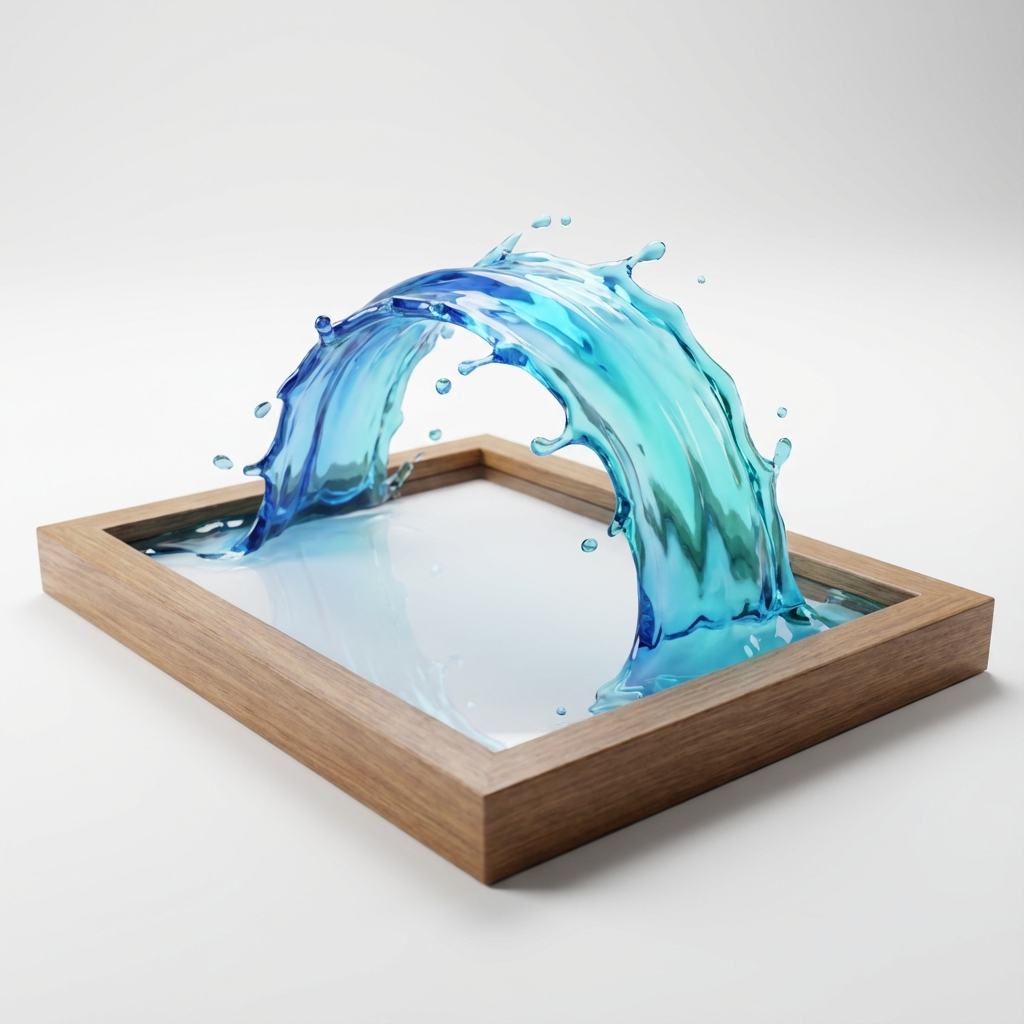
Use the AI bullet time generator to create short videos where action appears frozen while the camera moves around the subject. It is useful for dance jumps, product launches, sports moments, fashion reveals, superhero-style edits, and social videos that need a dramatic orbit camera effect without a physical multi-camera rig.
The template is tuned for frozen action, orbit movement, readable subjects, and stable slow motion.
The prompt asks for a dramatic camera orbit, crisp subject separation, and smooth timing so the result reads as bullet time rather than a normal slow-motion clip.
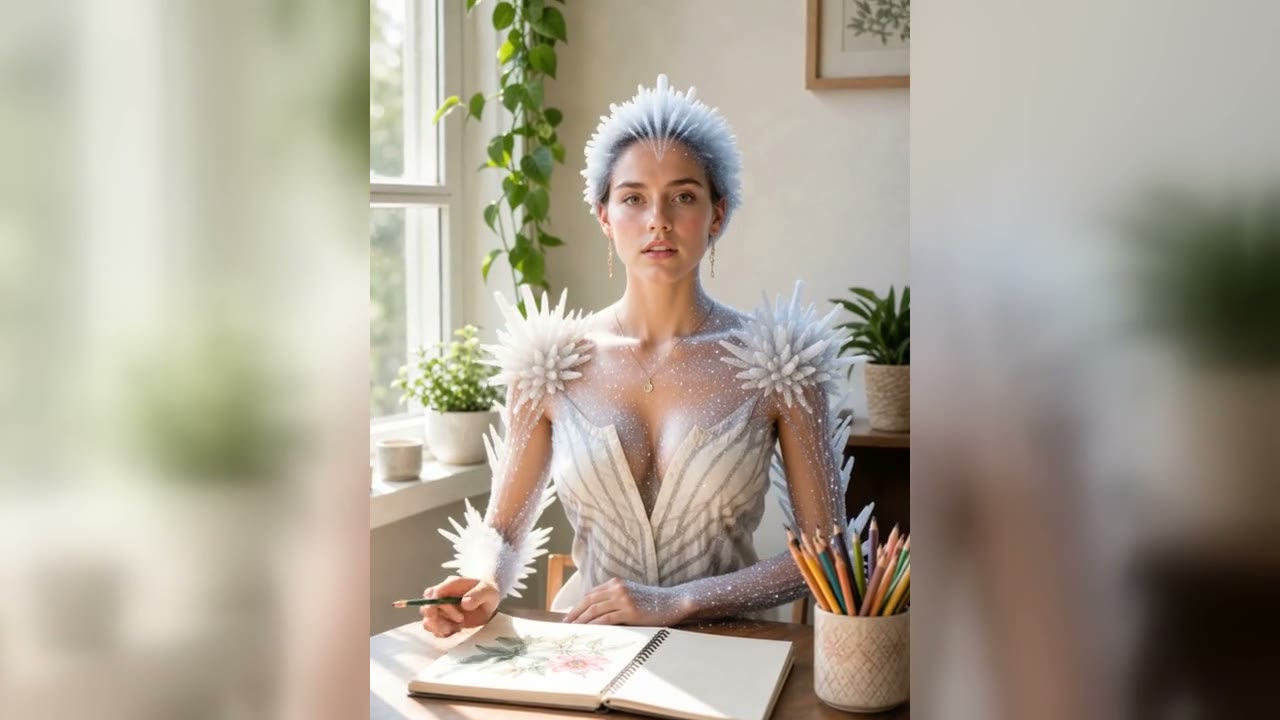
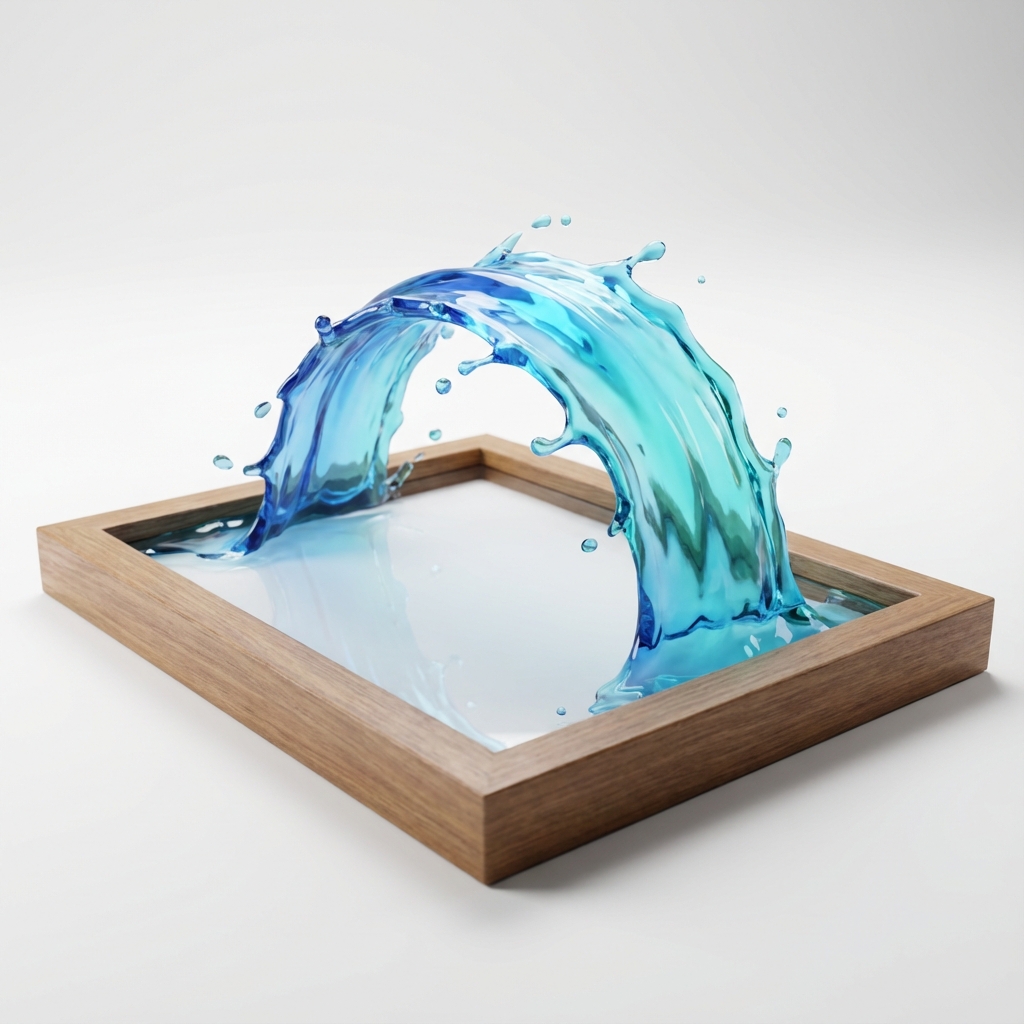
Confetti, dust, water droplets, fabric, hair, and product particles can hang in the air to make the frozen moment feel more physical.
Start with text when you want a fresh scene, or switch to image-to-video when a specific person, product, outfit, or pose should anchor the effect.
It is a video template that creates the visual feeling of frozen action while the camera moves around the subject, similar to a cinematic bullet time shot.
Yes. The default mode is text-to-video, and you can switch to image-to-video when you want a reference image to define the subject.
Use one clear frozen action, one subject, and a few suspended details such as confetti, water droplets, fabric, dust, or product fragments.
Use 9:16 for short-form platforms, 16:9 for website or YouTube hero media, and 1:1 for feed posts.
Describe a frozen action shot or upload a reference image, then create a short orbit slow-motion clip.