



Identity-Preserving Edits
The prompt locks face structure, age, hairstyle, skin texture, lighting, and background so the smile edit still looks like the original person.
Save up to 73% on plans
Image
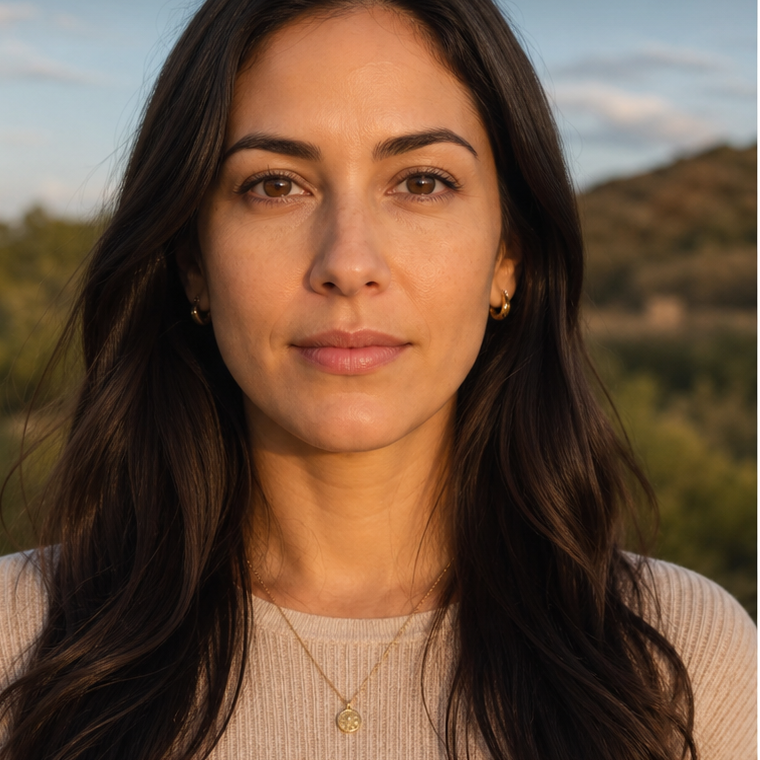
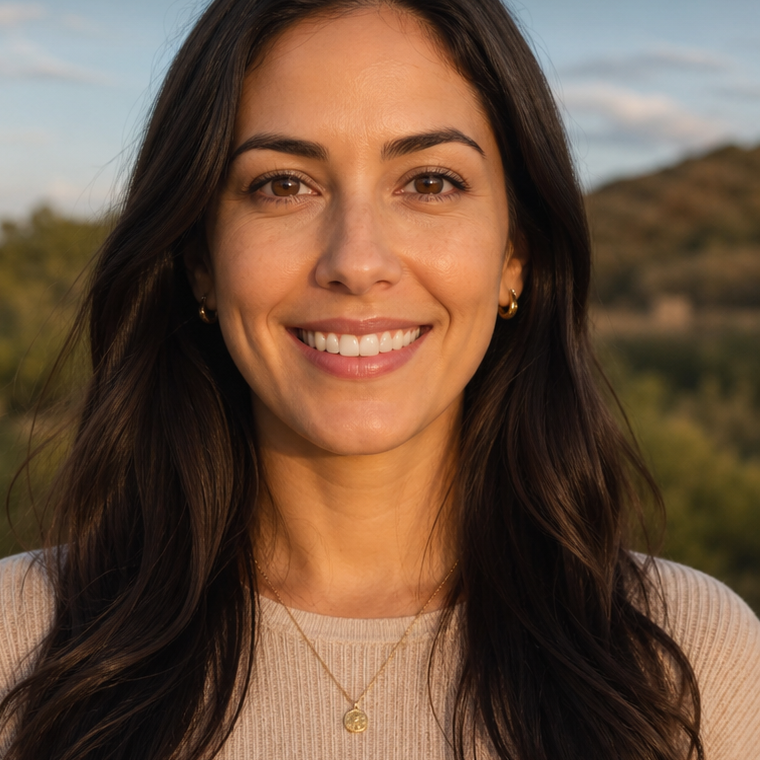
Browse every other AI image model and effect published on this site in a continuous carousel.

Use the AI smile generator to improve portraits, profile images, team photos, dating app shots, creator headshots, and casual selfies without changing the person into someone else. The template edits the expression while asking the model to preserve identity, lighting direction, background, face structure, skin texture, and the original camera style.
The best smile edits are subtle. This template prioritizes believable expression changes over dramatic face replacement.
The prompt locks face structure, age, hairstyle, skin texture, lighting, and background so the smile edit still looks like the original person.
The template asks for believable mouth corners, cheeks, teeth, and eye expression. This reduces the plastic or uncanny look that simple smile filters can create.
Use the result for profile photos, creator pages, resume images, team directories, and social posts when the original photo is good but the expression needs a warmer finish.
Start with portraits where the face is visible and the edit goal is clear.
If a headshot has good lighting and framing but the expression feels too serious, upload it and generate a warmer smile. The prompt tells the model to keep the original camera style and background.
Edit a Headshot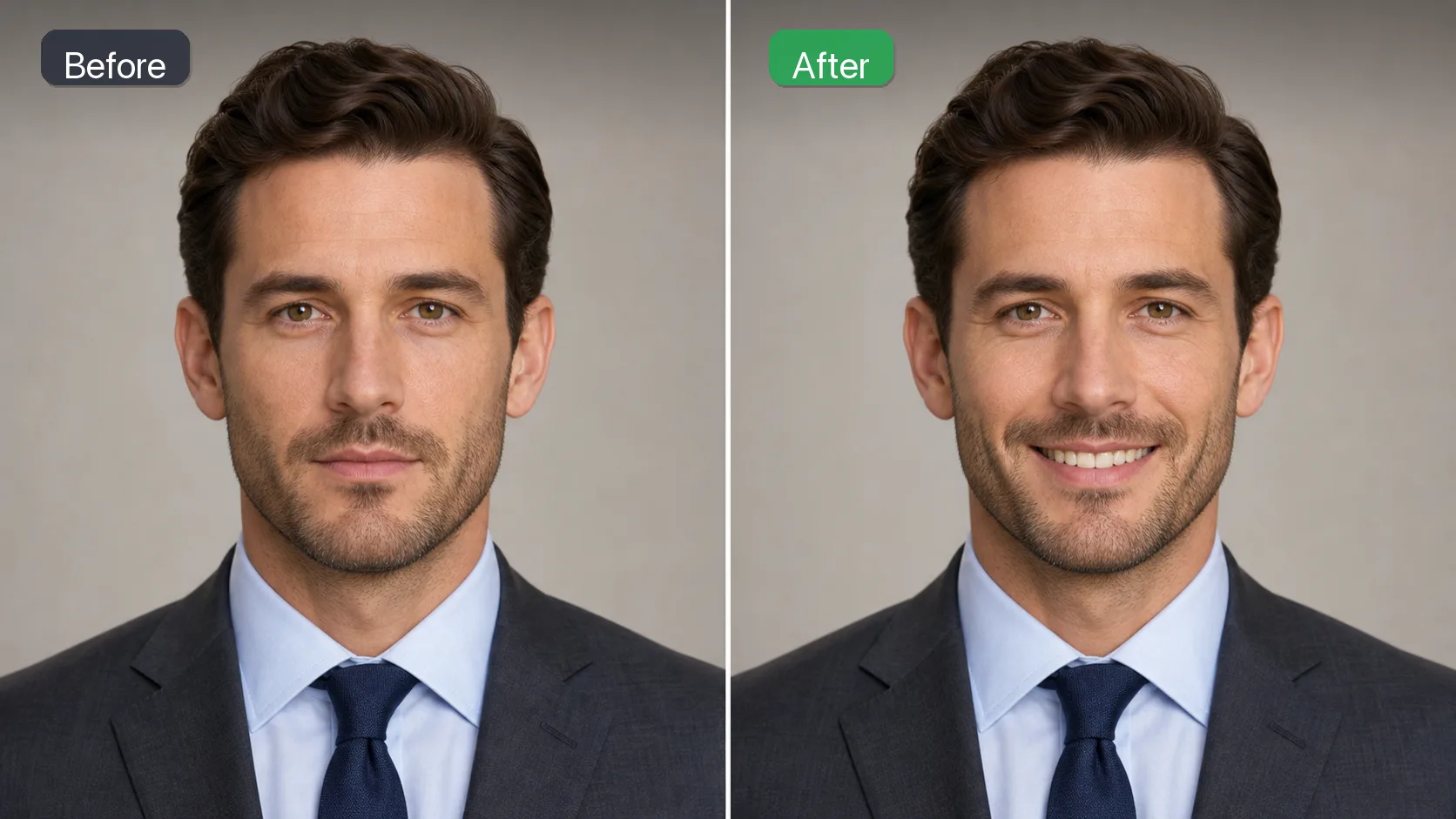
A natural smile can make an already good photo feel friendlier. Use a clear face photo, avoid extreme side angles, and keep the prompt subtle so the final image does not look over-edited.
Make Profile SmileFor team pages or creator kits, the AI smile generator helps standardize expression tone across a batch of portraits while keeping each person's visual identity intact.
Improve Portrait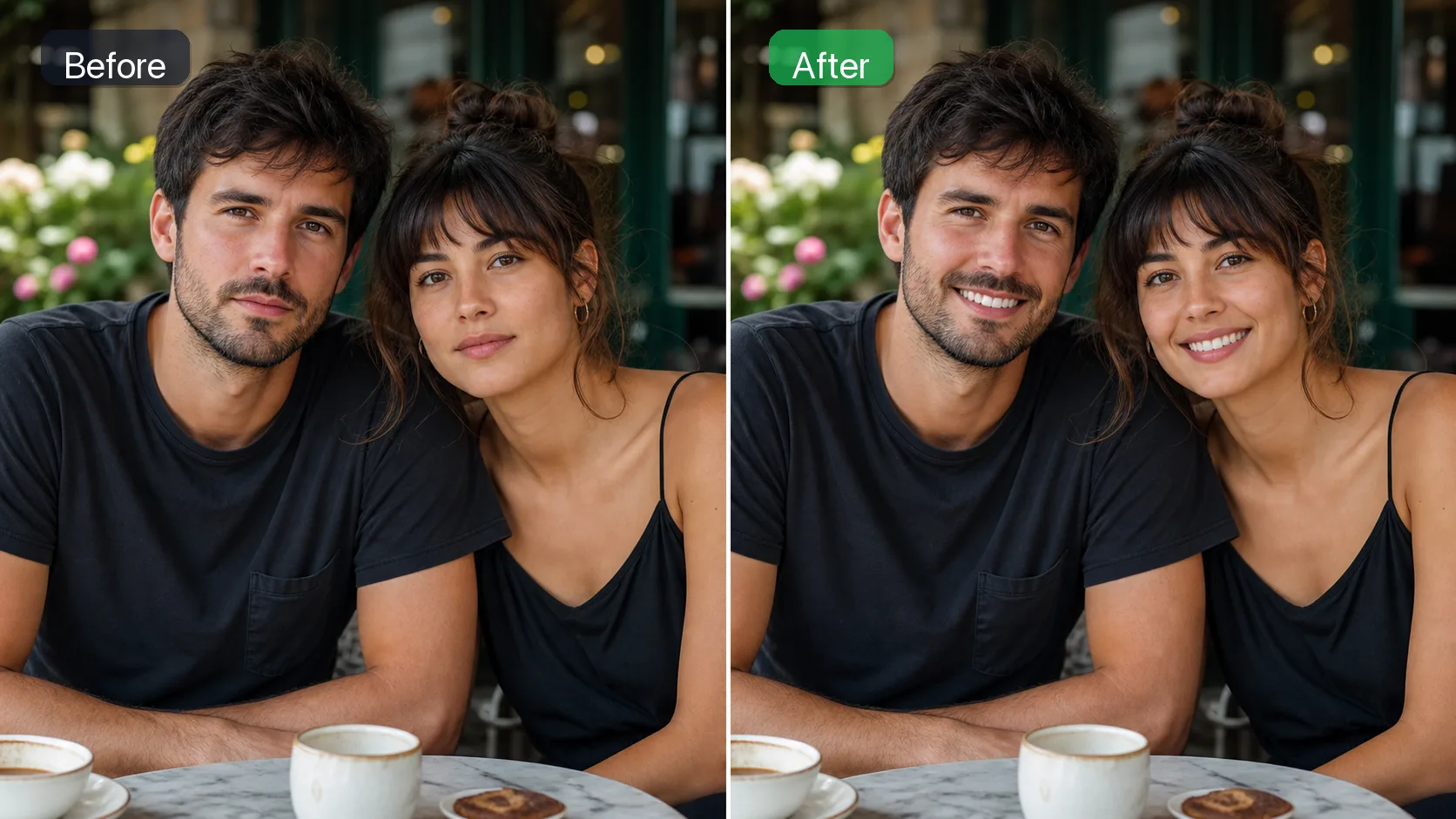
How to get a natural smile edit instead of an obvious filter.
Yes. This page is configured as an image-to-image portrait editor. Upload a face photo where the mouth, cheeks, and eyes are visible.
The template is designed to preserve identity, but any AI edit can drift. Use a sharp photo and regenerate if the face structure or expression needs refinement.
It can create a warmer smile from neutral or serious expressions. For the most realistic result, avoid photos where the mouth is blocked or the face is heavily turned away.
A single clear portrait works best. Group photos may produce uneven edits because multiple faces compete for model attention.
Use the default prompt or ask for a subtle natural smile, realistic teeth, preserved skin texture, and unchanged lighting. Avoid words like huge, perfect, or cartoon unless that is the desired style.
Upload a clear photo and generate a realistic expression edit while preserving the original person's identity.